Monthly Report - October 2026
Qt 6.11, a temporary ruler assistant, and more. Read on for a look at development news and the Krita-Artists forum's featured artwork from last month.
Krita 5.3.4.1 Released
The hotfix release Krita 5.3.4.1 contains a single regression fix, for a bug that caused assigning display profiles to not work. This is important for color management. (change by Nicholas LaPointe)
Developments in Krita Plus
Qt 6.11.0
The Krita 6 builds now use version 6.11.0 of the Qt framework instead of 6.8.0. While work was done to avoid regressions, please report any new issues you find. On the other hand, this update may fix some bugs as well. (change, by Dmitry Kazakov)
Touch Input Refactor
Dmitry has rewritten touchscreen and trackpad gesture support. This adds support for trackpad gestures to Krita 6 on Wayland, as well as some fixes. (change)
Developments in Krita Next
Temporary Straight Ruler Action
New actions which temporarily create a Ruler assistant and snap brushstrokes to it called "Temporary Straight Ruler" have been added to Canvas Input. The Normal version is assigned to V+Left Click by default, which was previously assigned by default to Activate Line Tool, and the Snapped Angle version that snaps to 15 degree angles is assigned to Shift+V+Left Click by default. (change, by Ayanami Kaine)
Brushtip Export Dialog Fixes
The predefined brushtip chooser's create Stamp and Clipboard brushtip dialogs have been combined into a single "Create New" dialog that reuses the GBR/GIH brushtip export dialog. This makes sure they all share the same features, with the GBR/GIH export dialog gaining the Preserve Alpha option and the Create New brushtip dialog gaining the dimensions/ranks settings and Velocity animated mode. This also fixes creating a brushtip from an image in the clipboard. (bug; change by Freya Lupen)
Scripting API Additions
The scripting API has gained new features. Freya added signals to the Canvas class for changes in the canvas's state such as zoom or rotate (change). The functions View.brushPosition to get the live brush position and Node.paintPolylineStroke to paint brushstrokes on a node using artifical input sensor values such as pressure and tilt from the new class StrokePoint were added by Moritz Staudinger (change 1, change 2).
Community Report
September 2026 Monthly Art Challenge Results
The winner of the "Time for a Break" challenge is…
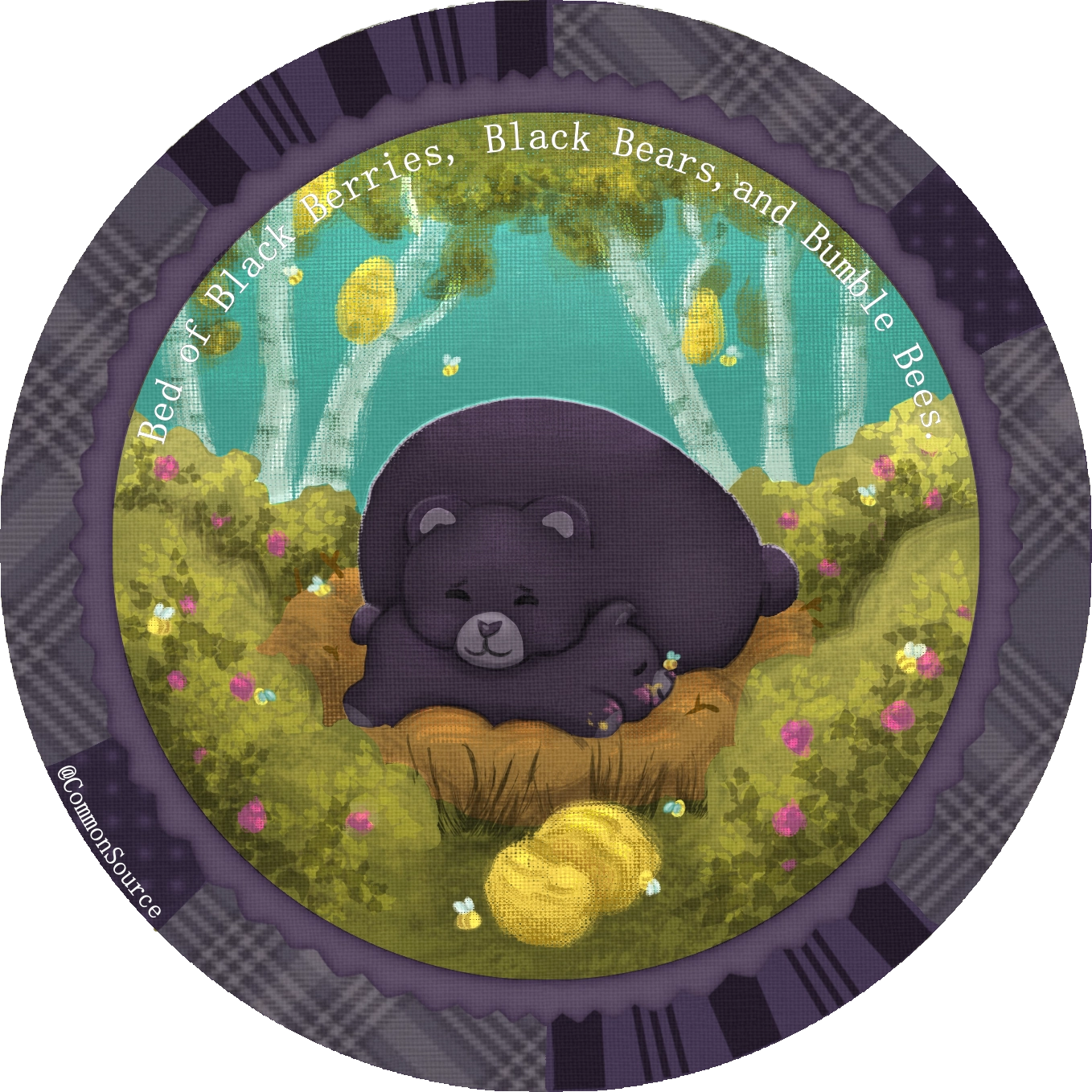
Join This Month's Art Challenge!
For October's theme, last month's winner has chosen "Costume / Disguise". The optional challenge is to fit your artwork into a non-rectangular shape. Will such a costume show or disguise what's in one's heart?
Featured Artwork
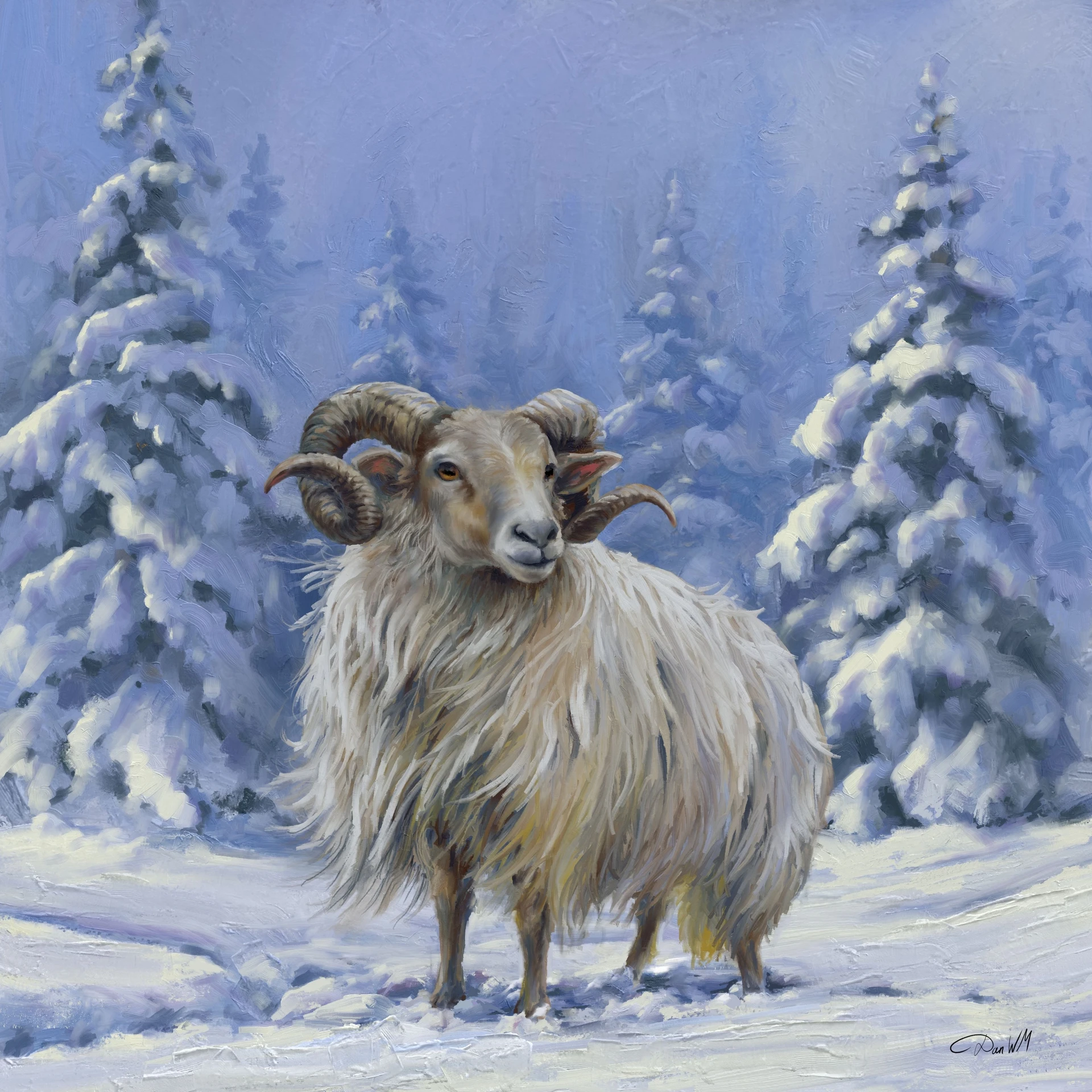
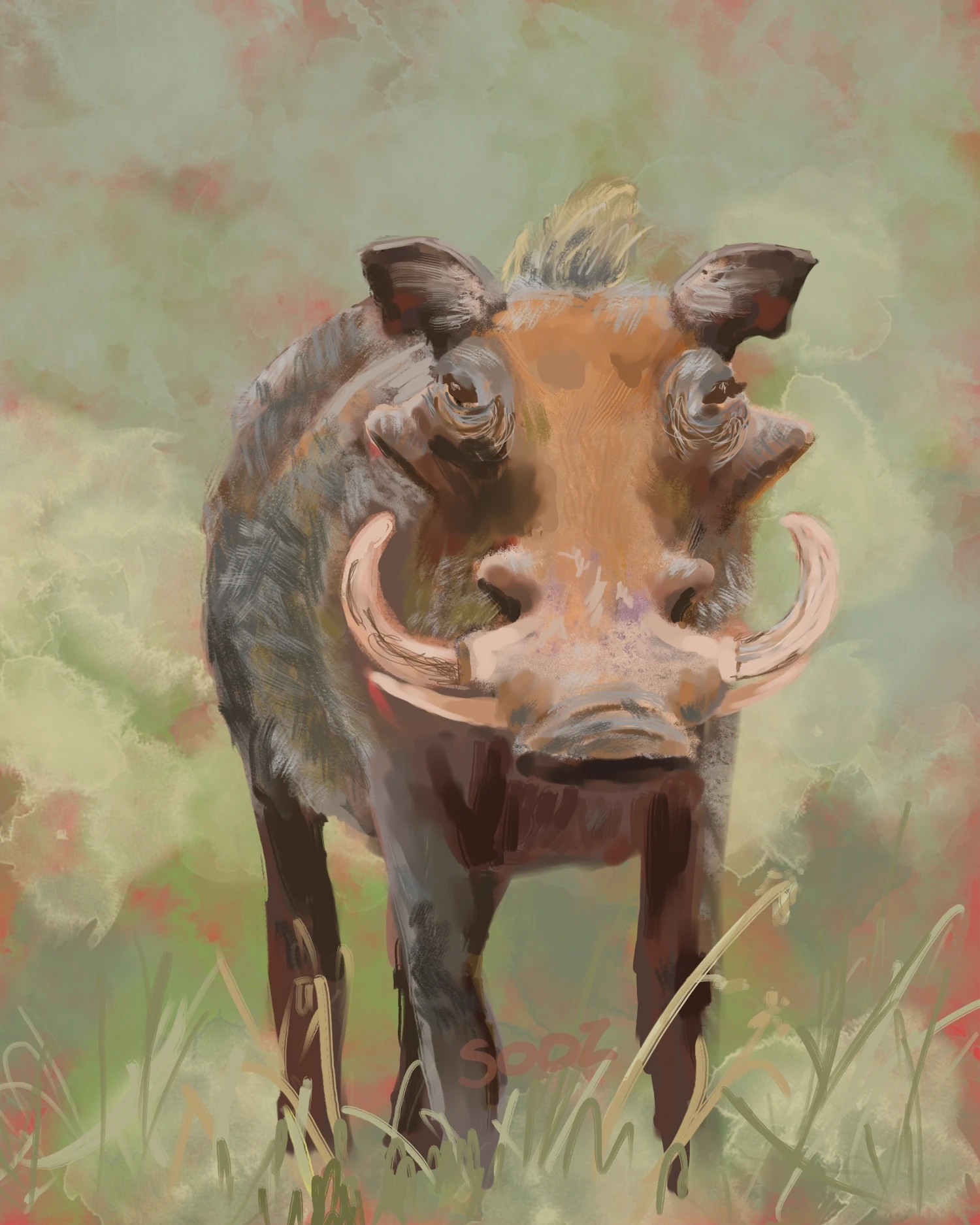
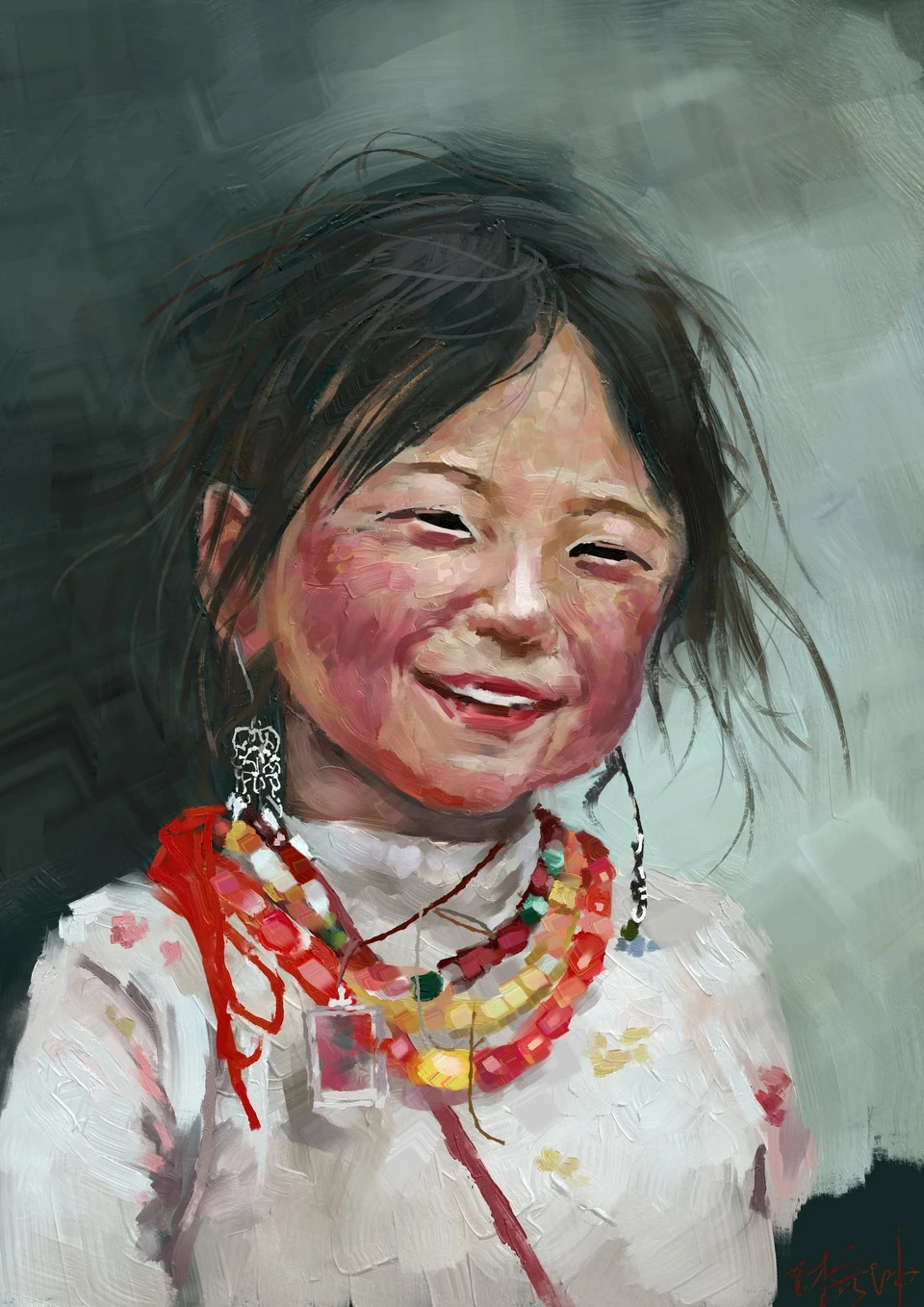
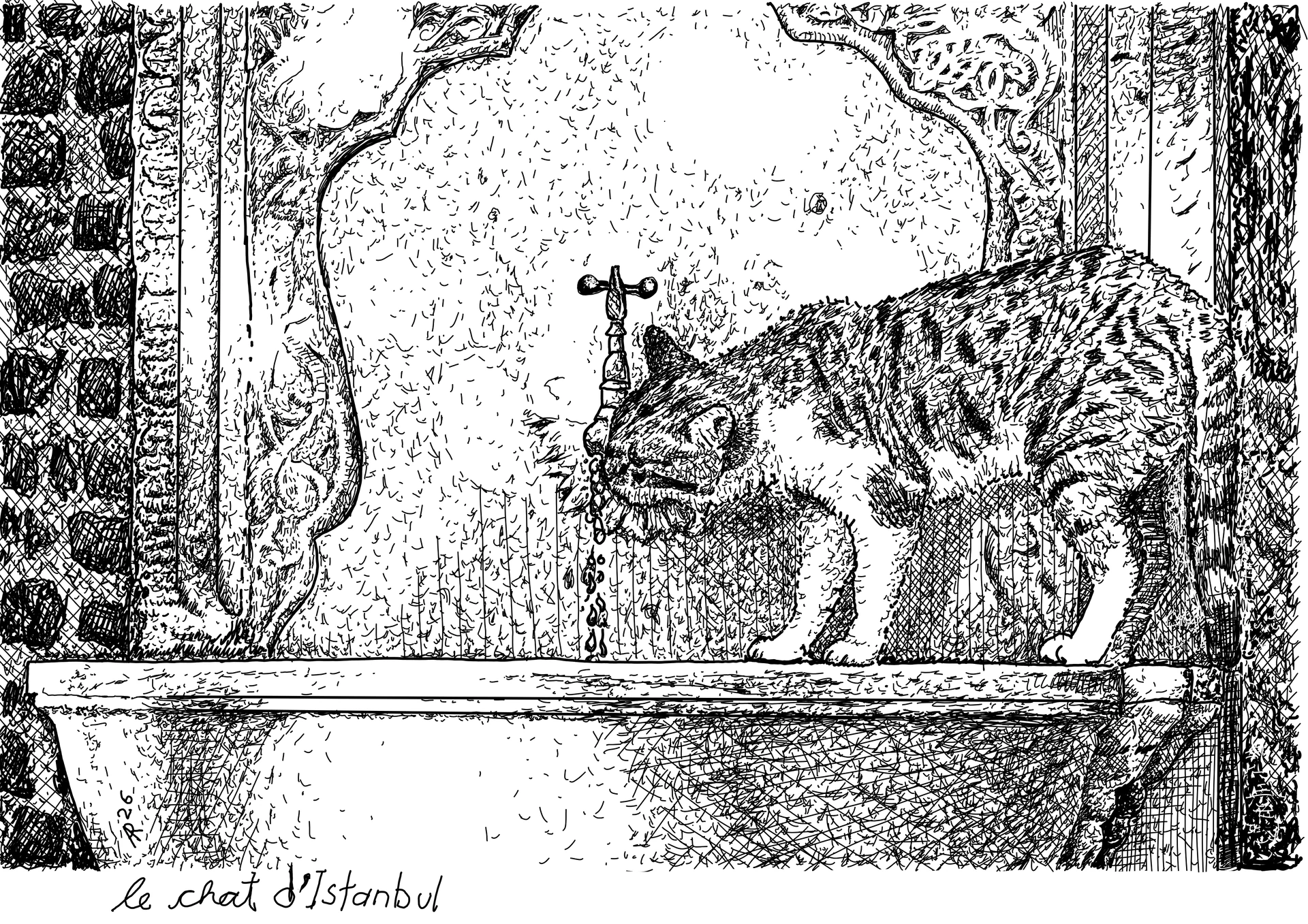
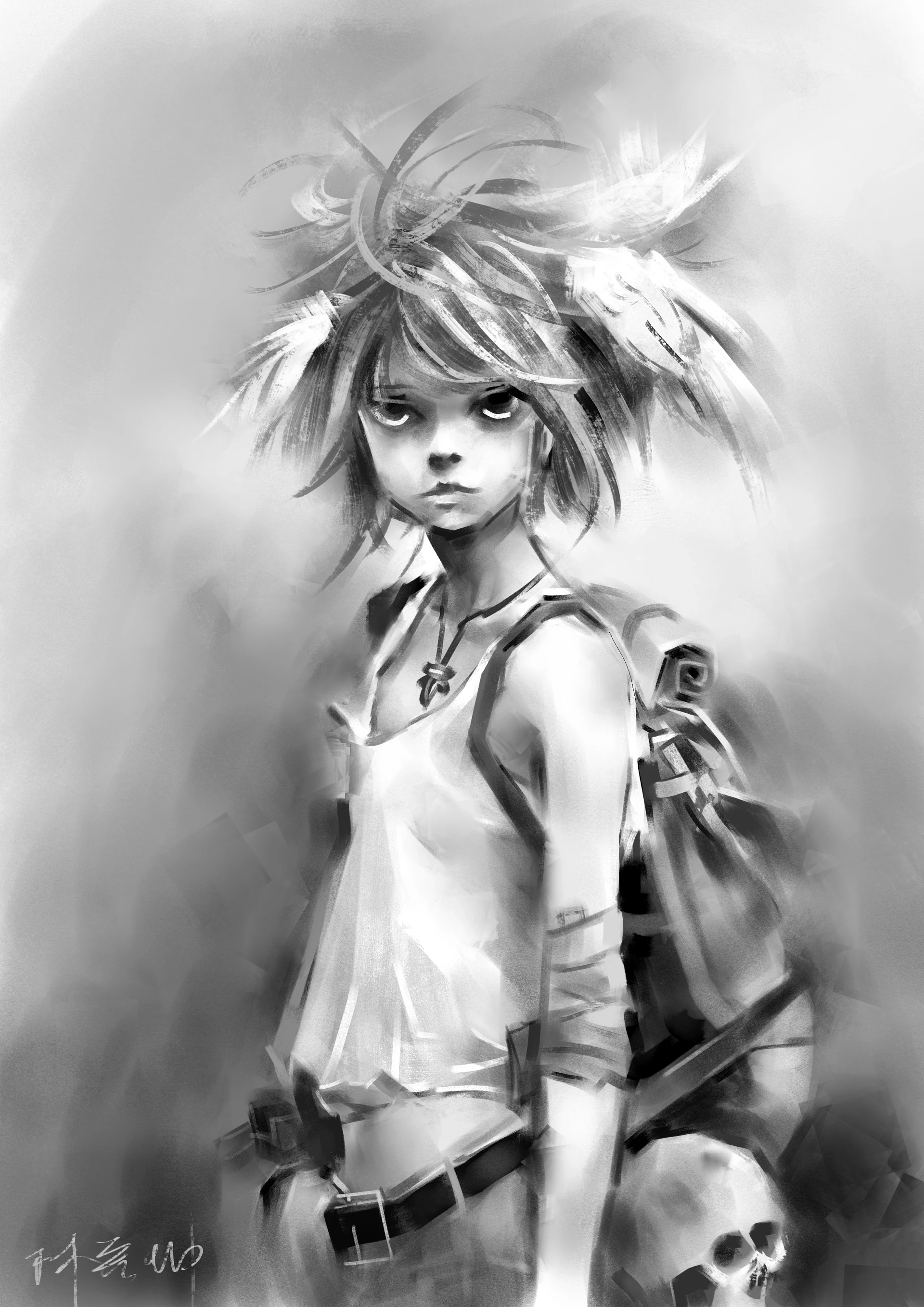
This month's featured forum artwork, as voted in the Best of Krita-Artists - August/September 2026:
Nominate and Vote For Next Month's Featured Artwork!
Participate in next month's nominations and voting to voice your opinion on the Best of Krita-Artists - September/October 2026.
Krita is Free - But You Can Contribute!
Krita is free to use and modify, but it can only exist with the contributions of the community. A small sponsored team alongside volunteer programmers, artists, writers, testers, translators, and more from across the world keep development going.
If this software has value to you, consider donating to the Krita Development Fund. Or Get Involved and put your skills to use making Krita and its community better!

Additional Changes
Krita Plus (Stable, 5.3.5/6.0.5-prealpha):
- File Formats: KRZ: Don't warn on export that .krz won't save guides, because it does save them. (change, by Carsten Hartenfels)
- General: Recolor the Support Krita icon and add the Manual icon to the welcome page. Add icons for Document Info, System Info, various animation frame actions, isolate group/layer, brush option slider, increase/decrease property. (change 1, change 2, change 3, change 4, change 5, change 6, change 7 by Arkady Flury)
Krita Next (Unstable, 5.4.0/6.1.0-prealpha):
- Transform Tool: Fix an issue calculating whether Perspective transforms are valid. (change by Dmitry Kazakov)
- Input: Fix horizontal scrollwheel shortcuts not working. (change by Dmitry Kazakov)
- Layers: Allow changing the filter on an existing filter layer or mask in its Properties. (change by Moritz Staudinger)
- Animation: Make sure the change frame action keyboard shortcuts work even if the current layer is not animated, and don't conflict with the Pan Tool's shortcuts. (bug; change by Iris Hormoviti, Dmitry Kazakov)
- Animation Curves Docker: Disable left-click scrolling in the animation curves docker, as it's erratic. The scrollbar should be used instead. (bug; change by Carsten Hartenfels)
- General: Improve hex color inputs to update when the text changes, and trim leading and trailing whitespace from color text pasted into it. (change by Luna Lovecraft)
- Canvas Input: Allow the Mirror View action to be assigned to a touch gesture input. (change by zemus 00)
- Recorder Docker: Allow the selection tools and the Freehand Path Tool, Crop Tool, Text Tool, and Move Tool to be recorded, by capturing the frames in a way that doesn't rely on locking the image. (change by Luna Lovecraft)
- File Formats: PSD: Save and load the collapsed state of layer groups and the locked state of layers in PSD files. (change 1, change 2 by Igor Wect, Damien Picard)
- Gradient Tool: Add Bayer Matrix dithering options to the Gradient Tool. The previous Dither checkbox is now the Blue Noise dithering option. (change by Jakub Nowakowski)
- Python Plugins Manager: Show plugin status information including any errors in a tab alongside the manual. Also, allow broken plugins to be disabled. (change by Freya Lupen)
Nightly Builds
These pre-release versions of Krita are built every day.
Note that there are currently no Qt6 builds for Android.
Get the latest bugfixes in Stable Krita Plus (5.3.5/6.0.5 prealpha): Linux Qt6 Qt5 — Windows Qt6 Qt5 — macOS Qt6 Qt5 — Android arm64 Qt5 – Android arm32 Qt5 – Android x86_64 Qt5
Or test out the latest Experimental features in Krita Next (5.4.0/6.1.0-prealpha). Feedback and bug reports are appreciated!: Linux Qt6 Qt5 — Windows Qt6 Qt5 — macOS Qt6 Qt5 — Android arm64 Qt5 – Android arm32 Qt5 – Android x86_64 Qt5